

Interor Designing D5

5
450 Students

Categories: Design and Development

About Course

- **Course Duration:** 1 Month
- **Schedule:** Weekly live sessions + Assignments and practical exercises
- **Key Learning Outcomes:**
- **Be fully prepared for job interviews and real-world challenges.**
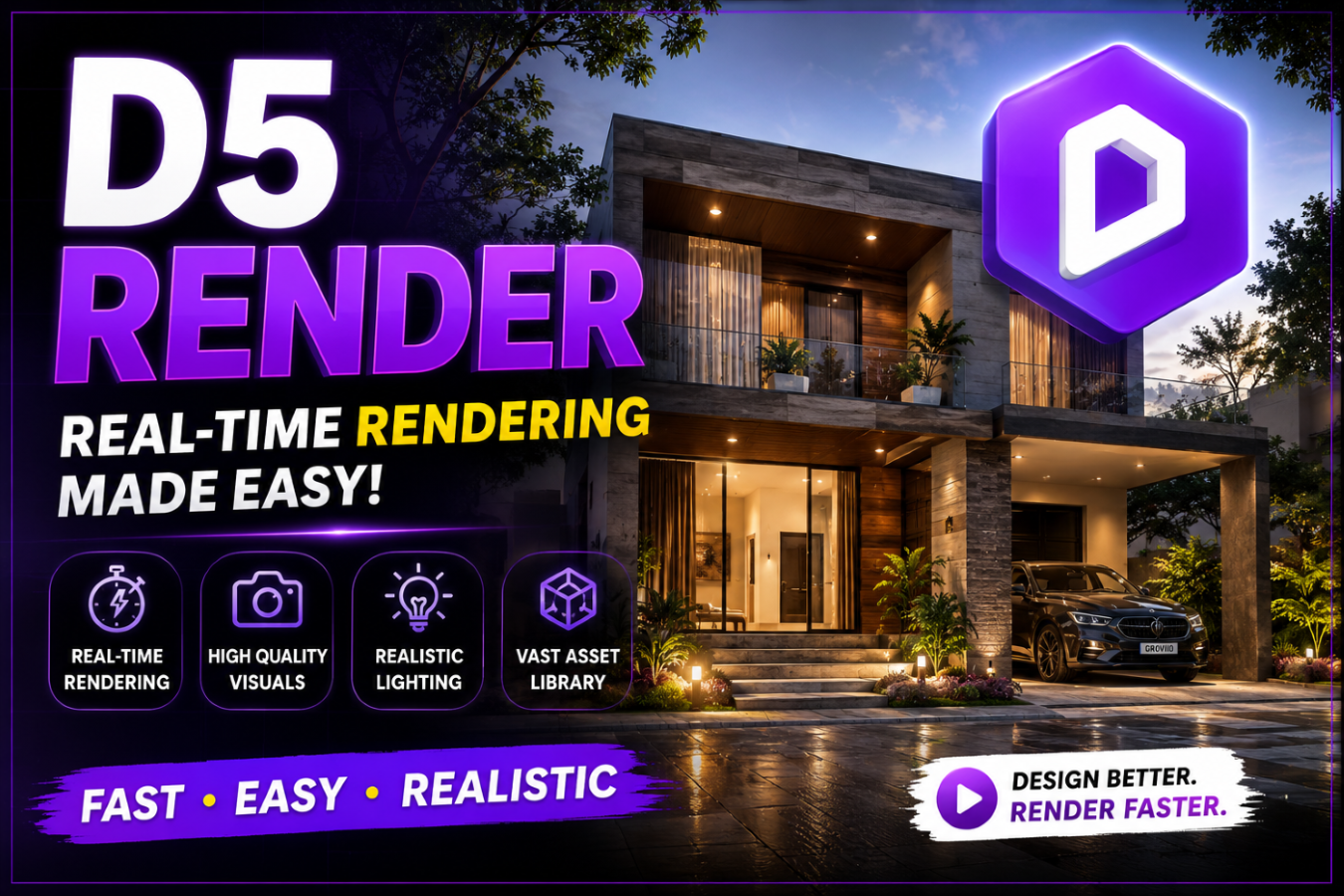

WHAT WE COVER IN 1 MONTH:
Month 1: Interior Designing D5

DAY 1
D5 for Interior Designers
- Why D5 for interior visualisation
-Installation & GPU requirements
-Interface overview & panels
-Interior workflow overview
DAY 2
Importing Floor Plans & Models
-Import from SketchUp, AutoCAD, Revit
-OBJ / FBX / 3DS file import
-Scaling rooms to real dimensions
-Organising scene layers
DAY 3
Walls, Floors & Ceilings
-Building room geometry in D5
-Wall thickness & height settings
-Ceiling types: flat, coffered, vaulted
-Adding doors, windows & openings
DAY 4
D5 Interior Asset Library
-Browsing sofas, tables, beds, rugs
-Placing & rotating furniture
-Scaling assets to room proportions
-Grouping & arranging objects
DAY 5
Living Room Scene Build
-Build a complete living room
-Import model + add furniture
-Peer feedback & critique
-Common beginner mistakes

DAY 6
PBR Materials for Interiors
-Albedo, roughness & normal maps
-Applying wall paint & plaster
-Wood floor finishes (oak, walnut…)
-Tile & stone surfaces
DAY 7
Fabrics, Glass & Metals
-Velvet, linen & leather upholstery
-Curtain & sheer fabric materials
-Brushed & polished metal fixtures
-Glass table tops & mirrors
DAY 8
Kitchen & Bathroom Surfaces
-Marble & quartz countertops
-Gloss & matte cabinet finishes
-Grout, mosaic & subway tiles
-Wet surfaces & water effects
DAY 9
Custom Furniture & Decor
-Importing client-specific furniture
-Applying custom material to pieces
-Cushions, throws & accessories
-Artwork & wall decor placement
DAY 10
Bedroom Material Challenge
-Full material assignment on a bedroom
-3 finish options per surface type
-Group comparison & feedback
-Material library organisation tips

DAY 11
Daylight & Window Light
-Sun angle & time-of-day control
-Natural light through windows
-Soft diffused vs direct sunlight
-Curtain & blind light filtering
DAY 12
Artificial Interior Lighting
-Pendant, floor & table lamps
-Recessed downlights & LED strips
-IES profiles for realistic fixtures
-Warm vs cool light temperature
DAY 13
Layered Lighting Schemes
-Ambient + accent + task lighting
-Cove & indirect lighting effects
-Fireplace & candlelight glow
-Evening vs daytime scenarios
DAY 14
Mood & Post-Processing
-Colour grading for interior styles
-Warm/cool palette treatments
-Bloom, vignette & depth of field
-Matching reference mood boards
DAY 15
Lighting Mood Challenge
-Same room, 3 lighting moods
-Morning / evening / night scenes
-Group presentation & vote
-Instructor feedback session

DAY 16
Interior Camera Composition
-Rule of thirds in interior shots
-Focal length for small spaces
-Eye-level vs elevated angles
-Saving multiple camera positions
DAY 17
Walkthrough Animation
-Interior camera path setup
-Smooth motion & easing curves
-Room-to-room transition shots
-360° panoramic camera setup
DAY 18
High-Quality Still Output
-Path tracing for interior renders
-Resolution settings for print & web
-Denoising & render time balance
-Exporting PNG / TIFF / JPEG
DAY 19
Client Presentation Workflow
-Batch rendering multiple rooms
-D5 Cloud sharing with clients
-Design alternatives & options
-Presenting renders professionally
DAY 20
Full Interior Showcase
-Present a complete interior project
-3 rooms + walkthrough animation
-Client-ready render package
-Certificate of completion


Additional Features
₹1,399.00

₹899.00

36% OFF
Register Now
This course includes:
Levels
Intermediate
Course Duration
1 Months
Subject
Design and Development
Certificate
Certificate of completion
Material Includes
Flexible Deadlines
Hours of live- demo
Downloadable resoursces